
Are You Making These 5 WordPress Website Mistakes That Kill Your Lead Generation?
- Shalena Ward

- Dec 10, 2025
- 5 min read
You've built what you think is a gorgeous WordPress website. You're getting decent traffic, people are visiting your pages, but here's the thing that's keeping you up at night: nobody's actually contacting you.
Sound familiar? You're not alone. I see this happening all the time with small business owners who've put their heart and soul into their websites, only to watch potential customers bounce away faster than a basketball on concrete.
The truth is, most WordPress websites are accidentally sabotaging their own lead generation. And I'm not talking about obvious stuff like broken contact forms (though yeah, that's a problem too). I'm talking about sneaky mistakes that seem harmless but are quietly murdering your conversion rates.
Today, I'm going to walk you through the five biggest WordPress mistakes that are killing your leads – and more importantly, how to fix them without needing a computer science degree.
Mistake #1: You're Hiding Your Sign-Up Forms Like They're State Secrets
Here's what I see happening: you've got one lonely contact form buried somewhere on your "Contact Us" page, and you're wondering why nobody's filling it out.
Here's the reality check – people aren't going to hunt for ways to give you their information. They're busy, distracted, and probably checking their phone while scrolling through your site.
If you want people to sign up for your email list or request your services, you need to make it ridiculously easy for them. That means having multiple opportunities throughout your website, not just one hidden form that requires three clicks to find.
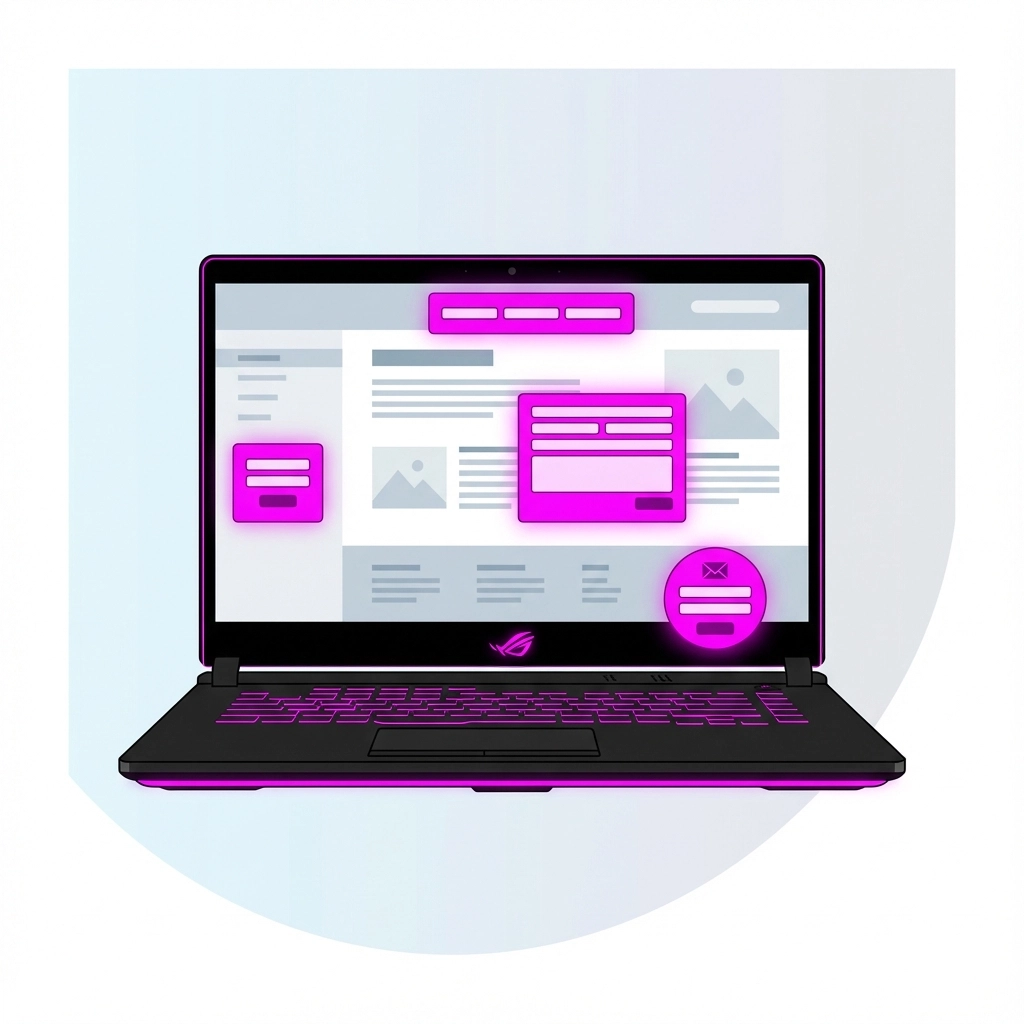
Think about it like this: imagine you're at a grocery store and they only had one tiny checkout counter hidden in the back corner. You'd probably just leave your cart and walk out, right? Same thing happens on your website.
The fix: Spread strategic sign-up opportunities throughout your site. Add a simple email capture in your sidebar, include a call-to-action at the end of blog posts, and consider a tasteful popup (more on that in a minute). The key word here is "tasteful" – you're not trying to assault your visitors with forms, just give them convenient opportunities to connect.
Mistake #2: Your Pop-Ups Are More Annoying Than Helpful
Look, I get it. Pop-ups work. The stats don't lie – they can seriously boost your conversion rates. But here's where most people mess up: they treat pop-ups like that overly aggressive salesperson who follows you around the store before you've even looked at anything.
You know the ones I'm talking about – those pop-ups that slam into your face the second you land on a page, demanding your email address before you've even read the headline. Or worse, those "Hey, wait! Don't leave!" exit-intent pop-ups that make you feel guilty for trying to close a tab.
The fix: If you're going to use pop-ups (and honestly, you probably should), be smart about it. Wait at least 30-60 seconds before showing a pop-up, or better yet, trigger it based on scroll behavior. And for the love of all that's good, make sure your pop-up offers something actually valuable – not just "sign up for our newsletter" but something like "Download our free guide to tripling your website traffic."
Mistake #3: Your Landing Pages Are Playing Hide and Seek
This one's a big one, and it's costing you serious money. Your landing pages need to deliver exactly what your marketing promised, and they need to do it fast.
If someone clicks on your Facebook ad about "5 Ways to Double Your Revenue" and lands on your generic homepage with no mention of revenue doubling anywhere, they're gone. Your brain has about 3 seconds to convince visitors they're in the right place before they hit the back button.
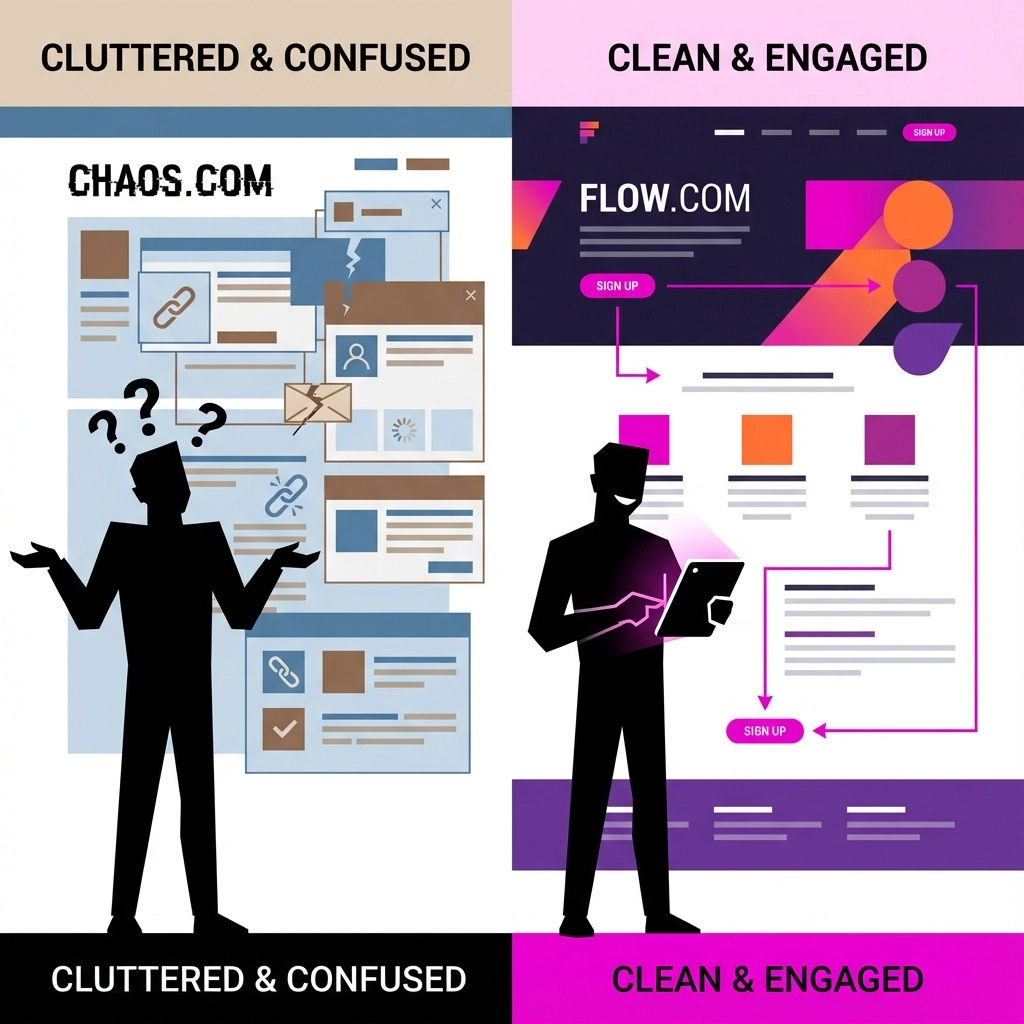
I see this mistake constantly with WordPress sites – people drive traffic to their homepage instead of dedicated landing pages, or they create landing pages that don't match their ads at all.
The fix: Create specific landing pages for specific campaigns. If your ad talks about doubling revenue, your landing page should immediately address revenue doubling. Don't make people think or guess – spell it out clearly. And here's a pro tip: avoid asking for the sale in the first few seconds. Let people understand your offer before you ask them to buy or sign up.
Mistake #4: Your Forms Are Longer Than a CVS Receipt
This one makes me want to pull my hair out. You've got someone interested enough to start filling out your form, and then you ask for their life story. Name, email, phone number, company name, job title, annual revenue, favorite color, mother's maiden name – okay, maybe not those last two, but you get the idea.
Every additional field you add to your form drops your conversion rate. It's like asking someone for their social security number on the first date – too much, too soon.
People are naturally suspicious about giving out their information online (and they should be). The more you ask for upfront, the more likely they are to abandon your form and never come back.
The fix: Start with the bare minimum. Usually, that's just name and email address. You can always ask for more information later through email follow-ups or during an actual conversation. Think of your initial form as getting someone's phone number – you don't need their entire dating history right away.
Mistake #5: Your Website is Technically Sabotaging Itself
This is the behind-the-scenes stuff that most people don't think about, but it's absolutely critical. Your website could be gorgeous and have amazing copy, but if it takes 8 seconds to load or looks terrible on mobile phones, you're dead in the water.
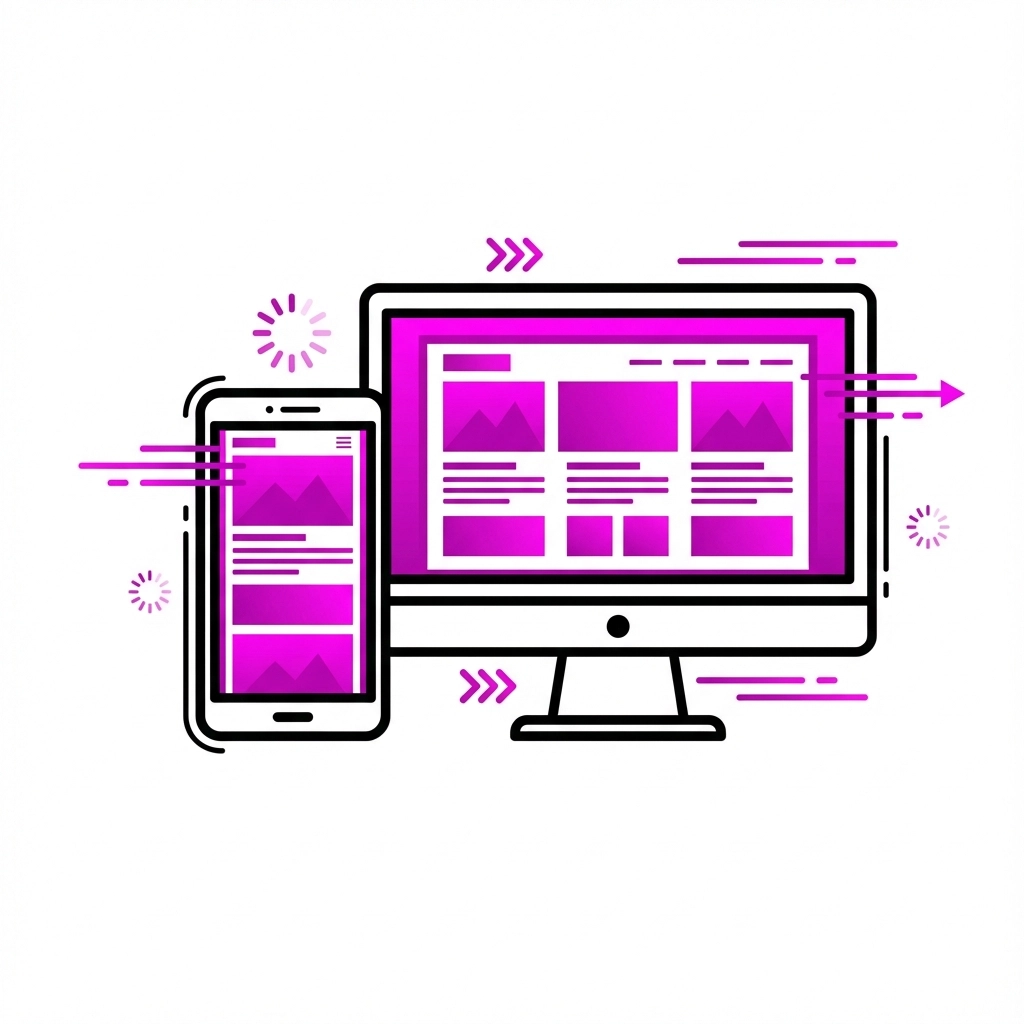
Here's what I mean by technical sabotage:
Slow loading speeds: If your site takes more than 3 seconds to load, you're losing people. Period. Nobody's got time to wait around for your homepage to appear, especially on mobile.
Mobile unfriendly design: More than half of web traffic comes from mobile devices. If your site looks like garbage on phones or tablets, you're literally turning away half your potential leads.
Unclear calls-to-action: Your buttons should be obvious and tell people exactly what happens when they click. "Submit" is not a call-to-action. "Get My Free Marketing Audit" is.
Missing or hard-to-find contact information: If people can't easily figure out how to reach you, they'll find someone else who makes it simpler.
The fix: Test your website on multiple devices and internet speeds. Use tools like Google PageSpeed Insights to check your loading times. Make sure your contact information is visible on every page (seriously, put it in your header or footer). And for your calls-to-action, be specific about what people are getting when they click.
Stop Leaking Leads and Start Converting
Look, I know this might feel overwhelming. You're probably looking at your website right now thinking about all the things you need to fix. But here's the good news – you don't need to tackle everything at once.
Start with the biggest impact items first. Check your website loading speed, make sure you've got clear calls-to-action, and simplify your forms. Those three changes alone could dramatically improve your lead generation.
The truth is, most of your competitors are making these same mistakes. So when you fix them, you're not just improving your website – you're getting a competitive advantage.
Your website should be working for you 24/7, turning visitors into leads even while you're sleeping. These five fixes will help make that happen.
And hey, if you're feeling stuck or want someone to take a look at your specific situation, that's exactly what we do at SWINC Marketing. We help small businesses turn their websites into lead-generating machines without the technical headaches.
Don't let these sneaky mistakes keep sabotaging your success. Your business deserves a website that actually works as hard as you do.
Comments