
Google PPC Automation: 7 Mistakes Small Business Owners Make (And How to Fix Them)
- Shalena Ward

- Dec 20, 2025
- 5 min read
You've probably heard the promise: "Set up Google Ads automation and watch the leads roll in while you sleep." Sounds amazing, right? Unfortunately, that's not quite how it works.
Don't get me wrong: PPC automation can be a game-changer for your small business. But here's the thing: most business owners dive headfirst into automation without understanding the basics, and it costs them big time.
I've seen businesses blow through $10,000+ in ad spend because they trusted automation too much, too soon. Others have missed out on thousands in potential revenue because they were too scared to use automation at all.
Today, I'm breaking down the seven biggest automation mistakes I see small business owners make: and more importantly, how to fix them without losing your shirt in the process.
Mistake #1: The "Set It and Forget It" Trap
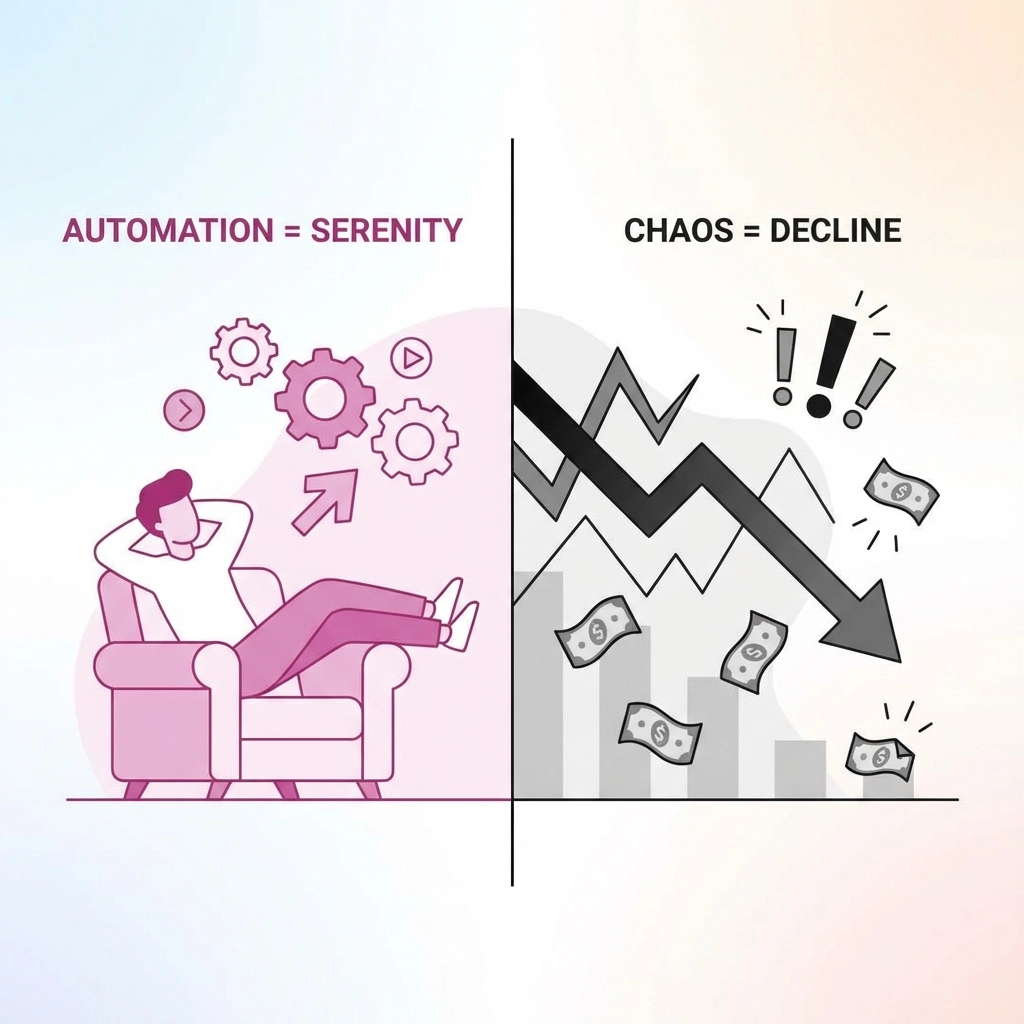
Here's what happens: You set up your automated campaigns, turn on smart bidding, and think you're done. Three months later, you're wondering why your ad spend doubled but your leads didn't.
The reality? Even the smartest automation needs a human brain behind it. Google's algorithms are powerful, but they don't understand your business like you do.
The fix: Implement what I call the "48-hour rule." Check your campaigns every two days for the first month, then weekly after that. Look for:
Keywords that are eating up budget with no conversions
Ad groups with click-through rates below 2%
Time periods when your ads are running but nobody's converting
Think of automation like a really smart employee: they need training and oversight, especially at first.
Mistake #2: Going Full Automation on Day One
I get it. You're busy running your business, and automation sounds like the perfect solution. But jumping straight into Performance Max campaigns or fully automated bidding strategies is like handing your car keys to someone who just got their learner's permit.
Why this backfires: Google's machine learning needs data to work effectively. Without conversion history, it's basically guessing what works for your business.
The fix: Start with search campaigns and manual bidding for your first 30 days. Once you've gathered at least 30 conversions, then you can gradually introduce automated bidding strategies. This gives Google's algorithms actual data about what works for your specific business.
Mistake #3: Tracking Everything as a "Conversion"
This one's huge. I see business owners marking newsletter signups, PDF downloads, and contact form submissions all as primary conversions. Then they wonder why Google's automation is optimizing for the wrong things.
The problem: When you tell Google that every action is equally important, it can't prioritize the actions that actually make you money.
The fix: Choose one primary conversion that directly correlates to revenue. If you're a service business, that might be consultation requests. For e-commerce, it's purchases. Everything else should be tracked as secondary conversions.
Here's a quick test: If someone completes this action, what's the likelihood they'll become a paying customer within 30 days? If it's less than 50%, it shouldn't be your primary conversion.
Mistake #4: Using Performance Max Too Early
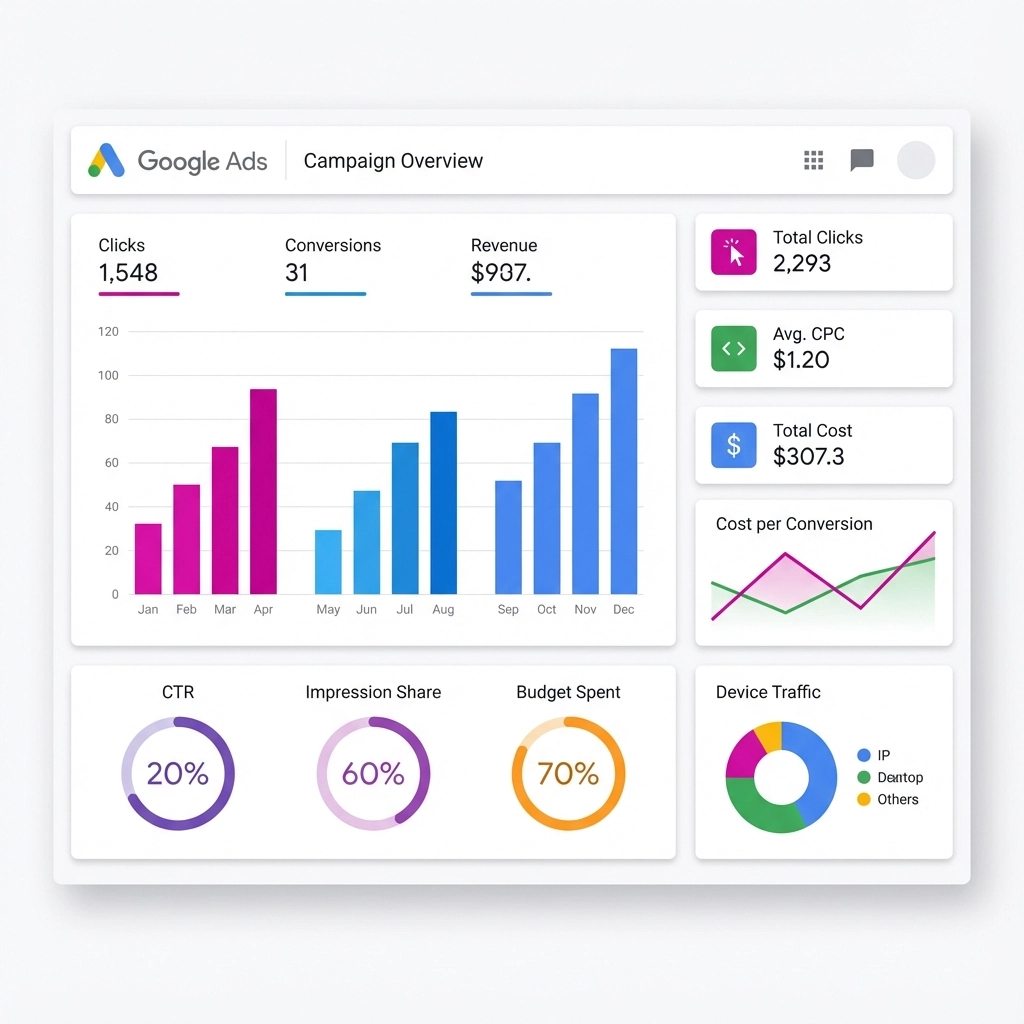
Google loves to push Performance Max campaigns because they're "easier to set up." But easier doesn't mean better: especially for small businesses.
The issue: Performance Max spreads your ads across all of Google's networks (Search, Display, YouTube, Gmail, etc.) with minimal control over where your money goes. Without substantial conversion data, it's like throwing spaghetti at the wall and hoping something sticks.
The fix: Stick with search campaigns until you have at least three months of solid conversion data. Search campaigns give you more control over keywords, ad copy, and where your budget goes. Once you've proven what works in search, then you can expand to Performance Max.
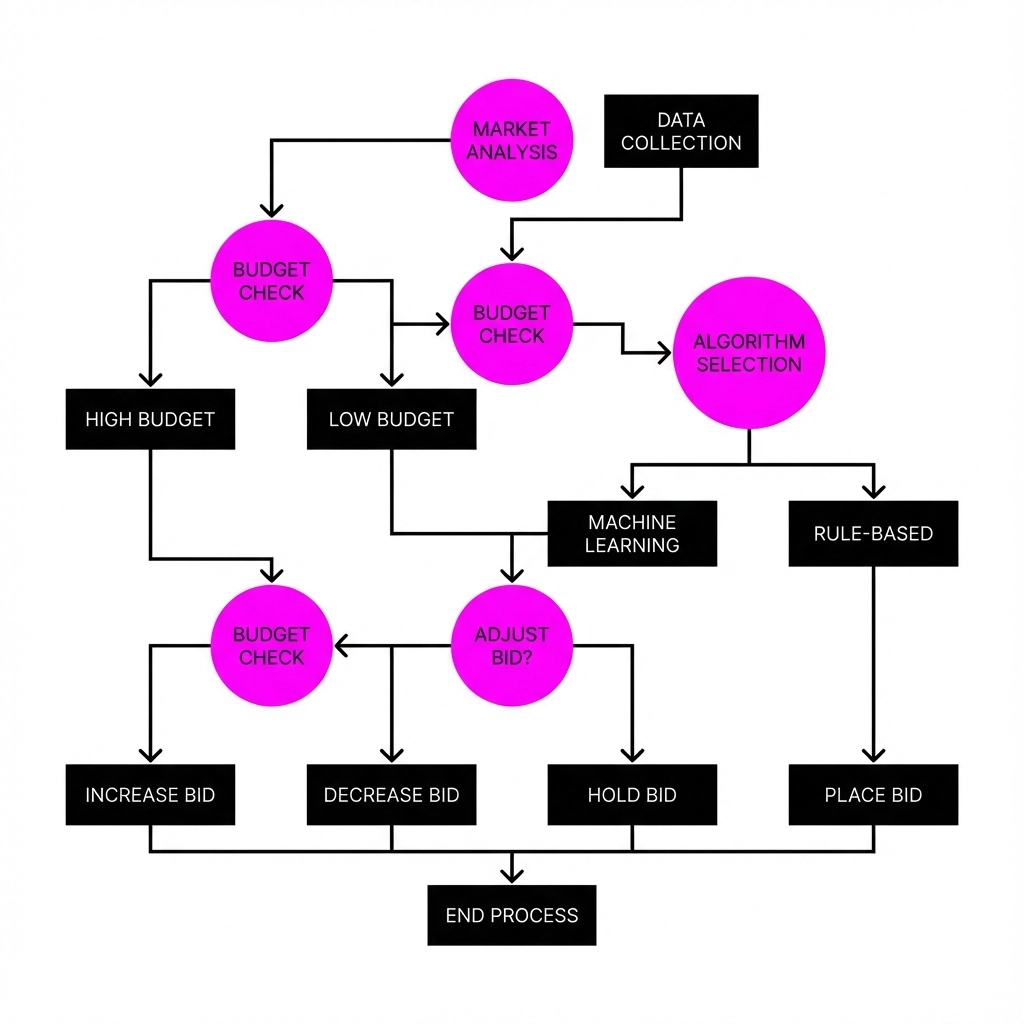
Mistake #5: Not Understanding Automated Bidding Strategies
There are eight different automated bidding strategies in Google Ads, and most business owners just pick one at random. That's like choosing a tool without knowing what job you're trying to do.
Common mistake: Using "Maximize Clicks" when what you really want is conversions, not website visitors.
The fix: Match your bidding strategy to your business goal:
Target CPA (Cost Per Acquisition): Use this when you know exactly how much a customer is worth to you
Maximize Conversions: Good for generating leads when you have a set budget
Target ROAS (Return on Ad Spend): Perfect for e-commerce when you want to maintain profitability
Maximize Clicks: Only use this if your main goal is website traffic, not sales
Start with Target CPA if you're focused on lead generation: it's the most straightforward for service businesses.
Mistake #6: Ignoring Negative Keywords in Automated Campaigns
Automation is smart, but it's not psychic. Without negative keywords, your automated campaigns might show up for searches that have nothing to do with your business.
Real example: A local plumber's automated campaign started showing ads for "plumbing tutorials" and "DIY plumbing tips": the exact opposite of what he wanted.
The fix: Build a robust negative keyword list before you turn on automation. Include terms like:
"Free"
"DIY" or "do it yourself"
"Jobs" or "careers" (unless you're hiring)
"How to" (unless you're selling tutorials)
Your competitors' names
Update this list monthly based on your search term reports. It's one of the highest-impact optimizations you can make.
Mistake #7: Automating Without Proper Landing Pages
This is the big one. I've seen businesses with perfect automation send traffic to their homepage: and wonder why nobody converts.
The problem: Your homepage is designed to do everything. Your landing page should be designed to do one thing: convert visitors into customers.
The fix: Create dedicated landing pages that match your ad copy exactly. If your ad promises "Free Consultation for Small Business Marketing," your landing page should be specifically about that consultation: not a general services page.
Key elements for automation-friendly landing pages:
Headline that matches your ad copy
One clear call-to-action (not five different options)
Social proof specific to the service you're advertising
Mobile-optimized design (60%+ of your traffic is mobile)
The Bottom Line on PPC Automation
Automation isn't magic: it's a powerful tool that needs to be used correctly. The biggest mistake isn't using automation; it's using it without understanding how it works.
Start simple, gather data, then gradually increase automation as you learn what works for your business. Your future self (and your bank account) will thank you.
Think of it this way: automation should amplify what's already working, not fix what's broken. Get the fundamentals right first, then let technology do the heavy lifting.
Quick action step: If you're currently running automated campaigns, check your conversion tracking this week. Make sure you're tracking the right actions as primary conversions. That one change could dramatically improve your campaign performance without spending an extra dollar.
Remember, the goal isn't to set up the most automated campaigns possible: it's to set up campaigns that consistently bring in customers while you focus on running your business. Sometimes that means more automation, sometimes it means less. The key is knowing the difference.
Comments